
What to Do After Liquid Contact with a Macbook?
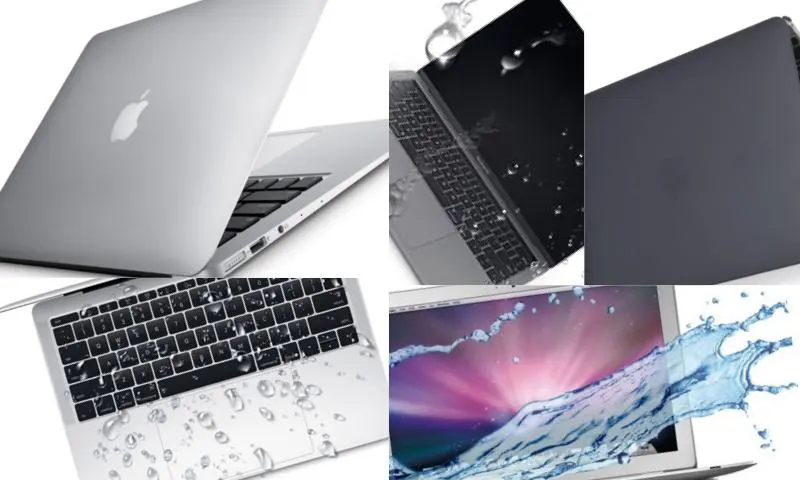
Spilling any liquid on your Macbook, Macbook Air, Macbook Pro, or iMac can render your device unusable. If the spilled liquid is sugary, sticky, or contains sediment, the keyboard keys can also be damaged. If a fluid like water has been spilled, you should immediately tilt the device on its side to allow the liquid to drain out before it reaches the motherboard, through the keyboard keys. If the liquid remains in contact with the motherboard for a long time, oxidation will occur. As the motherboard and other important components begin to corrode over time, recovery becomes difficult and repairs become very expensive. Therefore, in case of liquid contact with your Macbook, first dry your device and contact relevant online companies on web pages to get technical support.
Problems Caused by Liquid Contact and Their Solutions
In case of liquid contact with your Macbook, which can cause problems such as motherboard oxidation, corrosion of other components, changes in screen color, or unusable keyboard keys, you should unplug your device. To prevent possible fire or explosion hazards, the device must be turned off and dried. It is important to quickly remove any liquid that has entered through the keyboard keys, rear, and fan grilles before it reaches the motherboard. Attempting to dry the device with any heating device can cause more damage. You will need help from individuals with technical knowledge to open the device and ensure it dries properly.
Technical Support Fee
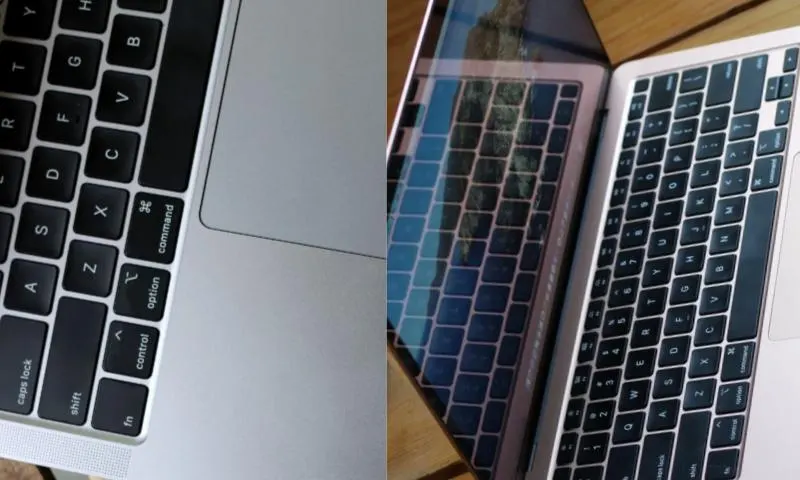
If the liquid spilled on the computer damages the motherboard, the motherboard will be repaired or replaced. After this quite expensive process, you can start using your device smoothly as if it were new. Relevant online companies on web pages, offering much cheaper prices than many companies on the market, provide you with quality service in the fastest way with their professional team.