What Formats Should Be Selected During Screen Recording?
How Long Should a Screen Recording Be?
Screen recording has become an important requirement for computer users. The formats selected during this process, the recording duration, and the methods used are important in terms of the quality and file size of the recorded content. Choosing the appropriate formats for screen recording can determine the quality of the results and the file size. Commonly used formats include MP4, AVI, MOV, and WMV. MP4 is supported on a wide range of platforms and provides high-quality videos. AVI is a lossless format used on the Windows platform. MOV is compatible with Apple devices and offers high-quality videos. WMV is a format compatible with Windows Media Player and provides low-size files. If you are looking for a screen recording program, you can visit the website https://recorditor.com/tr/.
What are the Methods for Screen Recording?
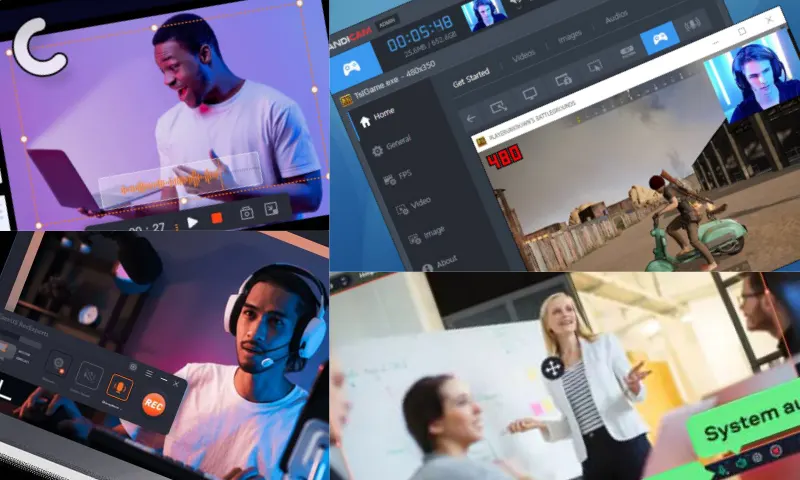
The duration of screen recording can vary depending on the type and purpose of the content being recorded. For short training videos or promotional videos, durations between 5 and 15 minutes are preferred. However, for longer training sessions or presentations, durations starting from 30 minutes can be determined. Ideal durations should be set to maintain user attention and manage file size. There are several methods for screen recording. One of the most common methods is to record a specific part or the entire screen using specialized software or applications. These software programs offer advanced features and allow recording in different formats. Another method is to use the screen recording features provided by the operating system. Windows' "Game Bar" feature or MacOS's "QuickTime Player" can be used for screen recording. You can also utilize screen recording services available on online platforms. These services are browser-based and provide ease of use.